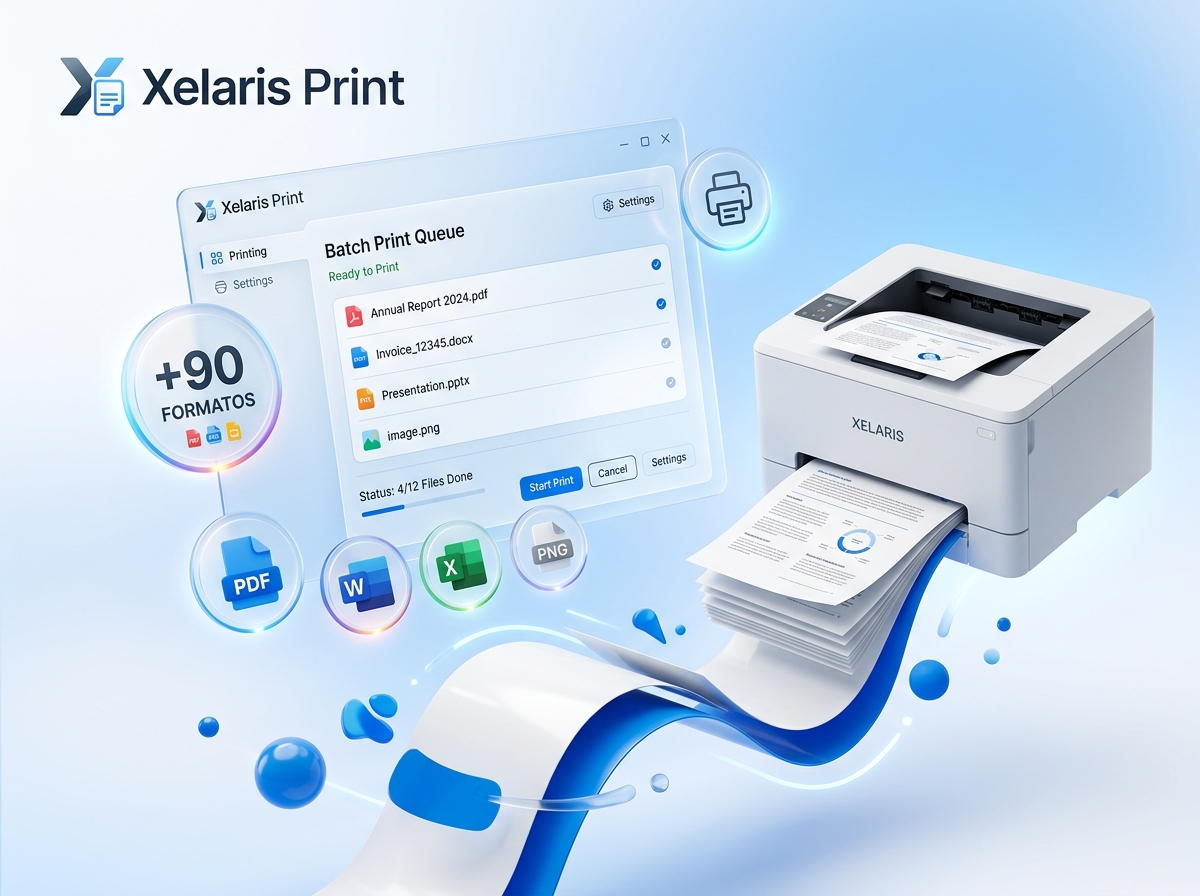
Save over 20 hours a week by automatically processing documents in batches without opening any programs.
Print PDFs, Office documents (Word, Excel, PowerPoint), images (PNG, JPG, TIFF), CAD drawings (DWG/DXF), HTML and plain text files without manual conversion.
Automatically extract and print attachments contained in `.MSG` and `.EML` email files without opening Outlook.
Drag an archive into the batch and XelarisPrint will immediately extract and print every document inside, with no prior extraction required.
Automatically insert cover sheets or separator pages between jobs to easily identify which batch belongs to each customer or case.
Add custom watermarks ('CONFIDENTIAL', 'PAID', 'COPY'), date and time stamps or page numbering at print time.
Automatically route documents to A4, A3 or thermal receipt trays using rules you define by file extension or name.
Precisely control delays between print jobs to prevent memory jams in thermal POS printers or Windows spooler crashes.
Save your most frequently used document lists as `.FLIST` files to reuse every day with one click.
Ultra-fast printing at 0.4 seconds per receipt on Zebra, Bixolon, Epson and 80mm point-of-sale thermal printers.
Choose the official desktop installer or the source code license.
Install securely and automatically from the official Windows store. Try it with no obligation and all features enabled.
Unlock the software forever with no document limits or expiration. Compatible with the Microsoft Store version or the direct installer.